
Lumen
Lutziano888 · Shader pack
A cozy, Photon-inspired Horizon shader pack: soft shadows, warm sunsets, volumetric clouds, light shafts and clear water.
A lightweight Horizon shader pack: sun and moon shadows, reflective water, waving plants, coloured block light, sun rays and bloom.
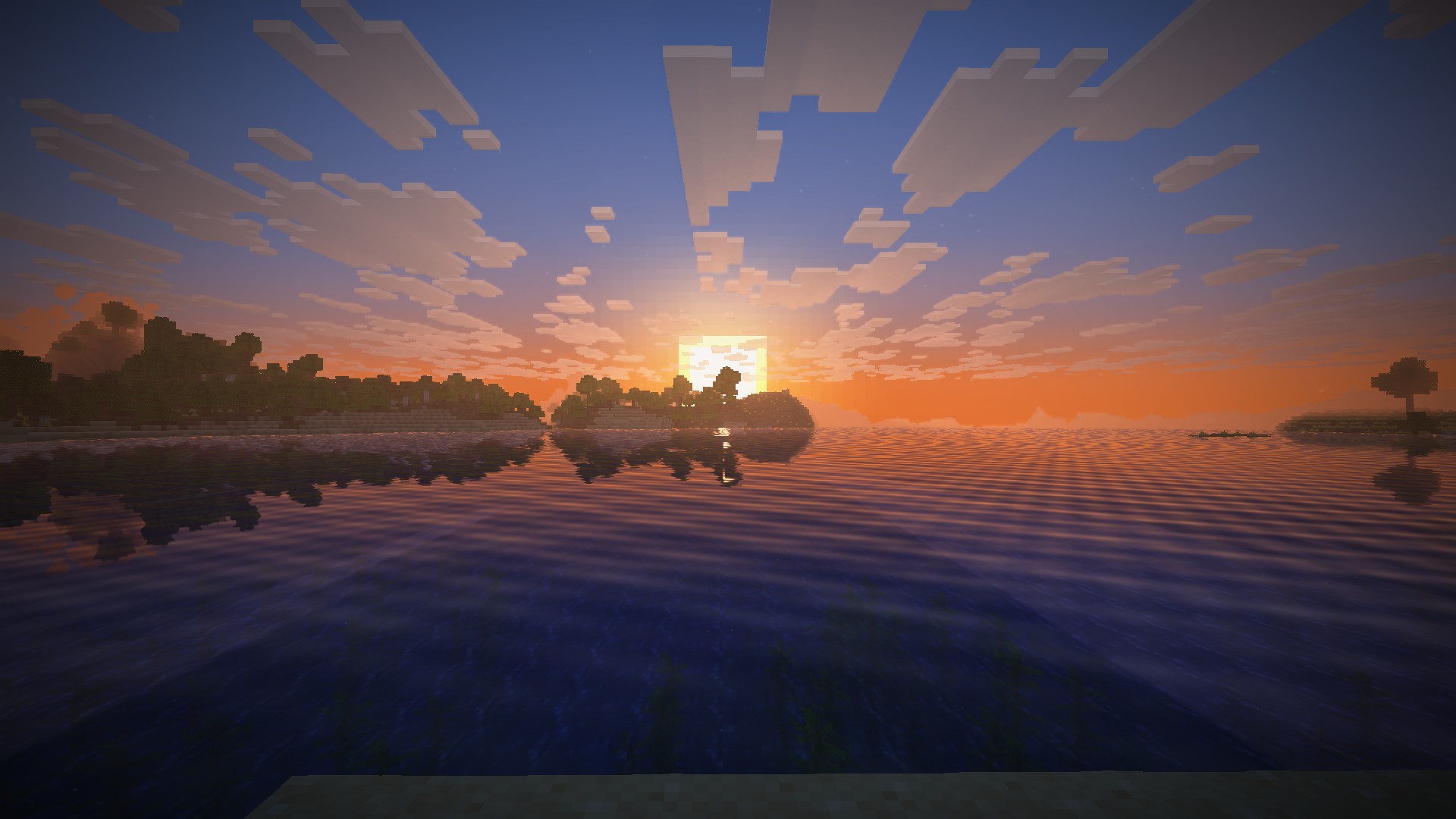
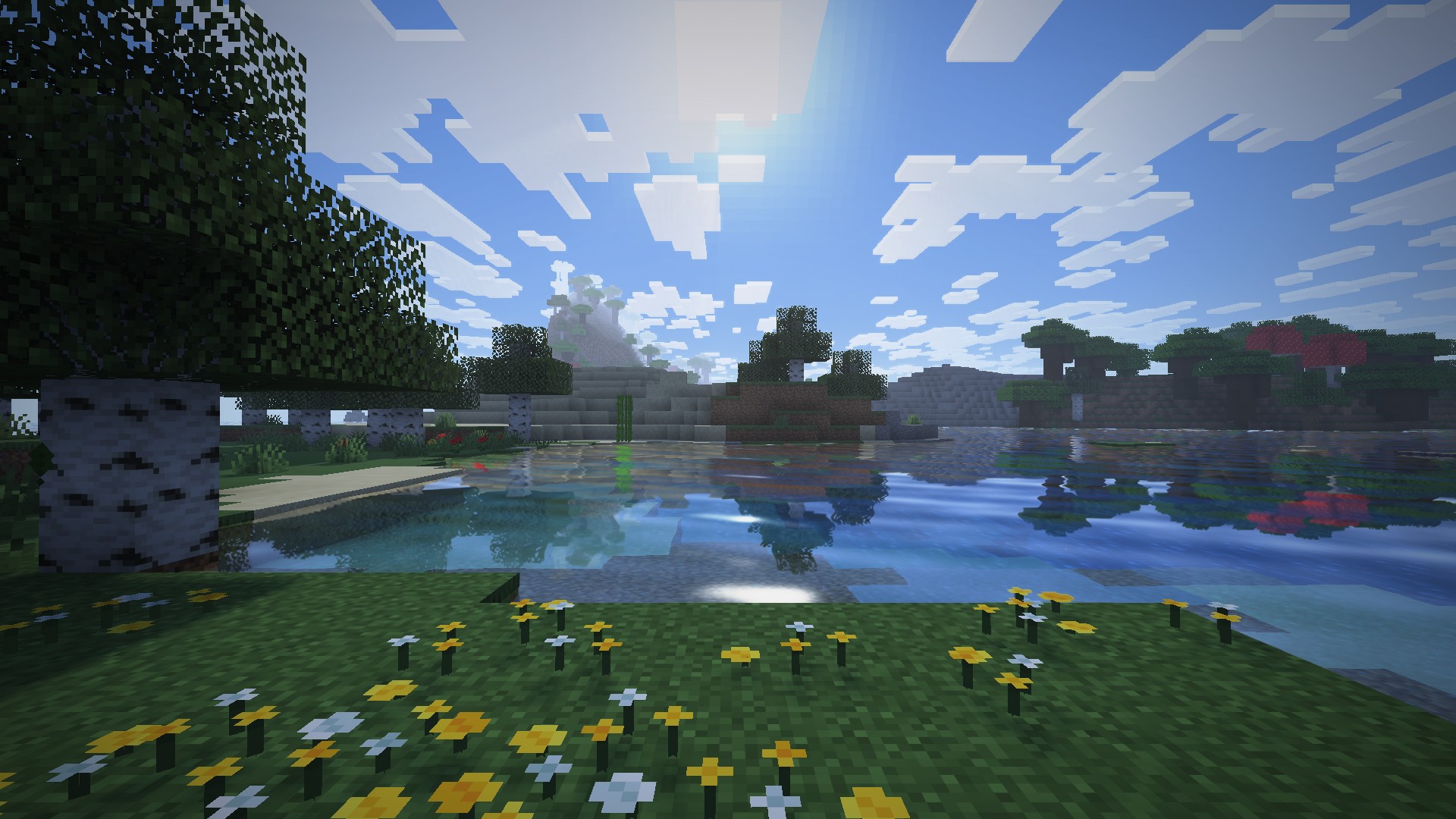
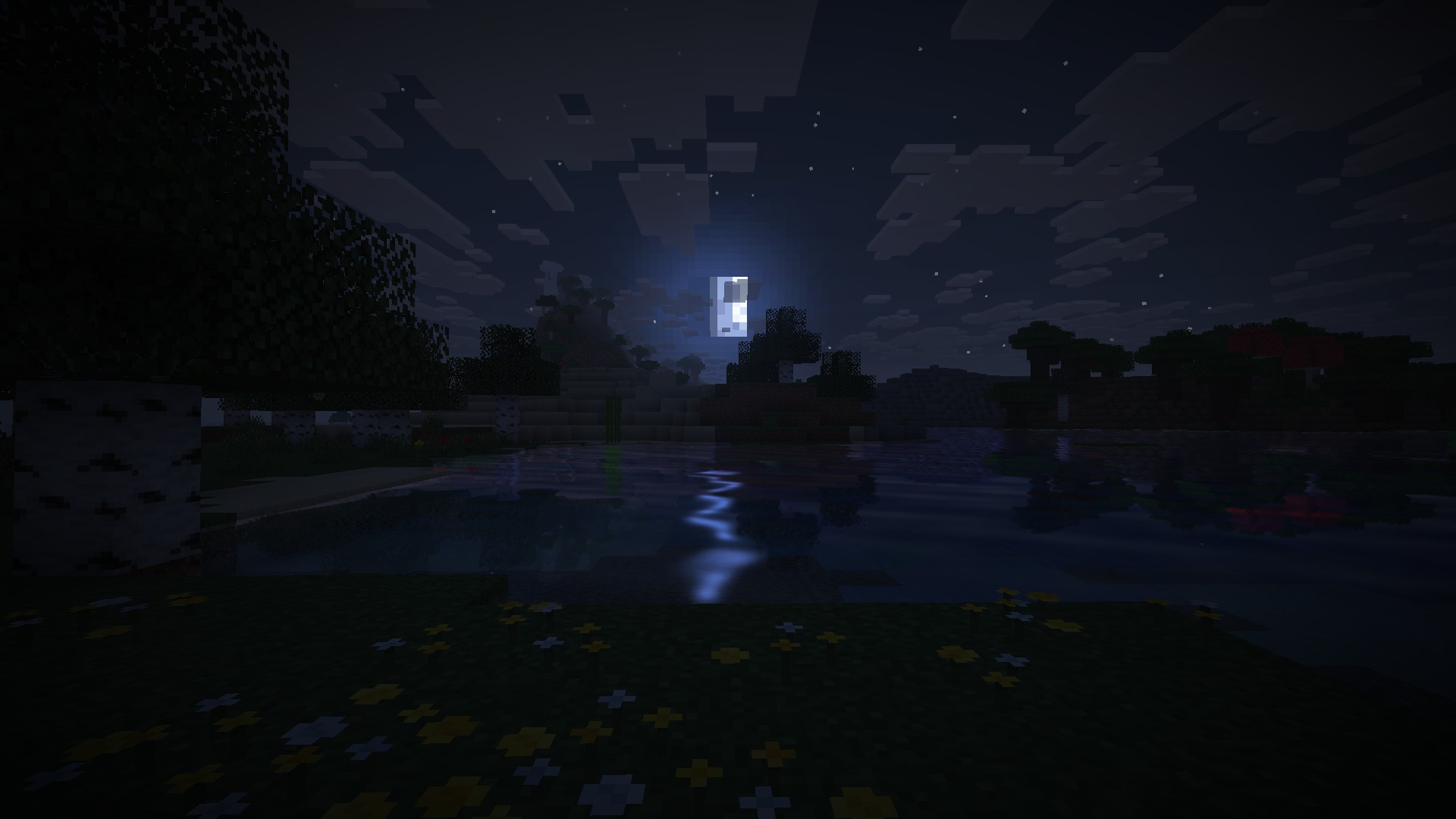
Daybreak by hildlabs is written from scratch in Horizon's own shader format, and its pitch is restraint. It runs inside Horizon's renderer, so culling, batching and LOD stay Horizon's job, and the pack tries to add as little GPU time as it can. That makes it a sensible first shader pack in Horizon, and a good match for mid-range cards: the registry tags it "medium" and "lightweight".
Shader pack, version 0.1.1, for Minecraft 26.3. It needs a Horizon build from 2026-11-03 or newer (Nightly 2944480+). Install it from the Shader packs tab of the launcher's Mods page, which puts it in shaderpacks, then pick it under Options > Horizon Settings > Shader Packs. Every effect can be tweaked or turned off in Shader Options. The shader install guide covers the steps.
The defaults are soft shadows over 96 blocks plus water reflections, which is not the cheapest setup; on a weak GPU, kill shadows first. Horizon's shader API is still 0.1 and experimental. The code is original, with no Minecraft assets, under MIT.
Updated:
| Version | Date | Minecraft | Changes |
|---|---|---|---|
| 0.2.0 | 8 November 2026 | 26.3 | One pack instead of four: shadows on/off, shadow detail (1024/2048/4096) and shadow distance (64/96/160 blocks) are now options on the Lighting page. The… |
| 0.1.1 | 3 November 2026 | 26.3 | First release: sun and moon shadows, warm sunlight and blue shade, coloured block light, waving plants, reflective water with waves, a deeper sky, sun rays… |
Mods page → Shader packs tab → "Daybreak" → Install. The launcher puts it into the shaderpacks folder.
Download daybreak-0.2.0.hshader with the button on this page, check its SHA-256 and drop it into the shaderpacks folder next to options.txt.
Open Options → Horizon Settings → Shader Packs and pick the pack.
A build from 2026-11-03 or newer, which means Nightly 2944480 or later.
Turn shadows off for the lowest GPU cost, or lower the shadow map detail (1024 to 4096) and shadow distance (64 to 160 blocks) in Shader Options.
That needs Horizon's Dynamic lights turned on in Extras.
From the Horizon launcher: Mods page → find "Daybreak" → Install. The launcher checks the SHA-256 for you. The full steps are in "How to install" above.
The latest version, 0.2.0, targets Minecraft 26.3 on Horizon.
Yes. Its MIT license allows redistribution, so we host the file, and its SHA-256 matches the official registry.
Lutziano888 · Shader pack
A cozy, Photon-inspired Horizon shader pack: soft shadows, warm sunsets, volumetric clouds, light shafts and clear water.
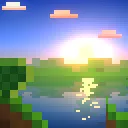
Muurrcc · Shader pack
A bright, colourful Horizon shader pack: soft shadows, coloured light, living water, wind, and a distinct Nether and End. 29 options.
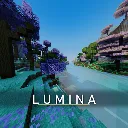
cosmo-jar · Shader pack
A high-FPS Horizon shader pack: real-time shadows, physically based water, roof overhang shading, volumetric 3D clouds, crisp FXAA.
fbi · Shader pack
SixthSurge's Photon shaders ported to Horizon: realistic sky, volumetric clouds, soft coloured shadows, water, fog and bloom.

bobcao3, iLoong · Shader pack
An unofficial port of bobcao3's Wisdom Shaders V3 to Horizon: soft shadows, rich atmosphere, AgX tonemapping, bloom and FXAA.

Reminuscul · Shader pack
A bright, enchanting world: painted sky, volumetric clouds, sunbeams, soft shadows, living water and colored lights.

Horizon · Native mod
Horizon's official zoom mod: hold Z to zoom in, scroll for up to 10x, let go and your normal view snaps back.

Horizon · Native mod
Horizon's official FPS counter: frames per second in a screen corner, plus the slowest frame and 1% low if you want them.

sillysoufi · Native mod
AppleSkin for Horizon: see your saturation, exhaustion and what the food in your hand will restore, right on the hunger bar.

Horizon · Native mod
Horizon's official minimap: the land around you in vanilla map colours, with your arrow, in a round or square frame.
Comments
Comments load when you scroll down to them.