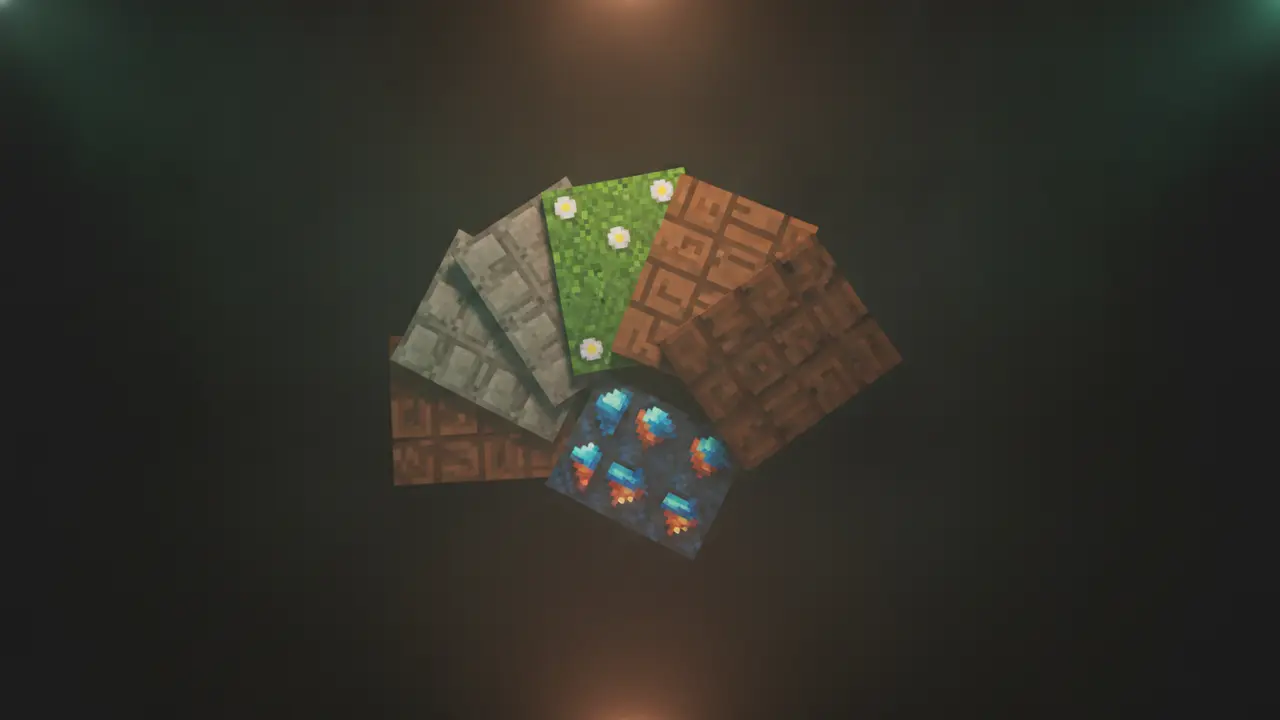
Java Edition resource packs work in Horizon. Put the pack’s folder or .zip in the resourcepacks folder of the game folder, open the Resource Packs screen (the same screen vanilla uses) and move it to the selected side; Horizon reloads every loader from it just like vanilla. Horizon publishes a table of everything a 26.3 resource pack can change, and its summary line counts 46 rows: 32 work, 5 work partly, 7 don’t yet and 2 don’t apply. (The rows themselves mark a few more features as partial than that summary does; below we go by the rows.)
How to install a resource pack
- Find the game folder:
~/.local/share/horizonon Linux,~/Library/Application Support/horizonon macOS,%APPDATA%\horizonon Windows. - Put the pack (folder or
.zip, don’t unzip zips) inresourcepacks/. - In the game: Options → Resource Packs, select it, done.
Or let the launcher do it: its Mods page searches Modrinth for resource packs, marks each one Works, Partly or Doesn’t run in Horizon, checks the download against Modrinth’s checksum and puts it in the right folder. You still switch it on in the Resource Packs screen. Our resource pack list covers packs listed in the Horizon registry too, such as Menu Panorama, which swaps the title screen background for a picture of your choice.
What works
The table’s “works” rows cover nearly everything an ordinary texture pack touches:
- Pack metadata and overlays: description, icon, format ranges, per-format overlays, filters, the compatibility warning.
- Block states, block models, item definitions and item models, including multipart, weights, rotations and display transforms.
- Textures at any resolution from 16x to 512x; the docs mention Faithful 32x, Default HD 128x and FPBR among the packs measured.
- Texture animations (frames, frame time, frame size), mipmap settings, atlases and sprite sources.
- GUI sprites with nine-slice borders, the title panorama, splashes, screen overlays like the pumpkin blur and vignette.
- Languages (including new ones a pack adds), sounds and sound events.
- Entities, block entities (chests, signs, beds, banners, shields, shulker boxes, decorated pots), equipment, armour trims on items, particles, the sky, clouds, rain and snow, maps, paintings and mob effect icons.
- Server resource packs: the prompt, the 250 MiB download with SHA-1 check, toasts, a progress screen and removal when you leave.
Most rows are backed by a parity harness that compares Horizon’s loader with the pinned 26.3 client. That method is explained in how Horizon checks itself against vanilla.
What works partly (the OptiFine-era features)
| Feature | What’s missing |
|---|---|
| Connected textures (OptiFine/Continuity) | name= rules aren’t loaded; random tiles land in different places than in OptiFine (same weights) |
| Custom item textures (OptiFine/CIT Resewn) | Some enchantment glint layers; special renderers keep vanilla’s look; only players and armour stands wear CIT armour |
Emissive textures (_e.png) |
Limits on overlay count; none on translucent faces, items or some entities |
| Random entity textures (OptiFine/ETF) | No nbt.* rules or ETF’s extra conditions; no block entities |
Custom entity models (OptiFine/EMF .jem) |
No sign, hanging sign or bed models; block entity models without animations |
The table also marks as partial: GUI sprite scaling beyond nine-slice (HD GUI sprites get thin borders), blur/clamp flags from packs (ignored), fonts picked by text components (other fonts fall back to the default), and pack core shaders, which run for GUI text and the block outline only.
What doesn’t work yet
The seven “no” rows:
- Texture animation
interpolate: frames step instead of blending (vanilla’s own prismarine, magma and lit furnaces too). A fix is in progress. - TrueType (
ttf) fonts: no TrueType rasteriser yet. - Credits and end poem texts: Horizon has no credits screen yet.
- Villager profession hats hiding the type hat.
- Armour trims on worn armour.
- Locator bar styles: the locator bar isn’t drawn yet.
- Post-effect shaders (creeper/spider/enderman spectator views, glowing outlines from GLSL post chains).
The docs note that, shaders aside, these are missing vanilla features too, so each parity fix covers the resource pack case as well. Shader packs are a separate system; see how to install shaders.
Performance notes
Big packs cost memory and loading time, as on Java. Two Horizon specifics: entity culling and leaf culling, both off by default, switch themselves off with non-vanilla resource packs, because a pack may replace the models they rely on. If you’re chasing frames, see how to get more FPS in Horizon.
When a pack breaks something
Switch it off on the Resource Packs screen, or take it out of the folder. If the game crashed, the crash report in crash-reports/ lists your resource packs, which makes the culprit easy to spot. More fixes are in Horizon launch errors. If you want OptiFine-pack details compared with the Java side, see Horizon vs Sodium, Iris and OptiFine, and for the data side of packs, data packs in Horizon.