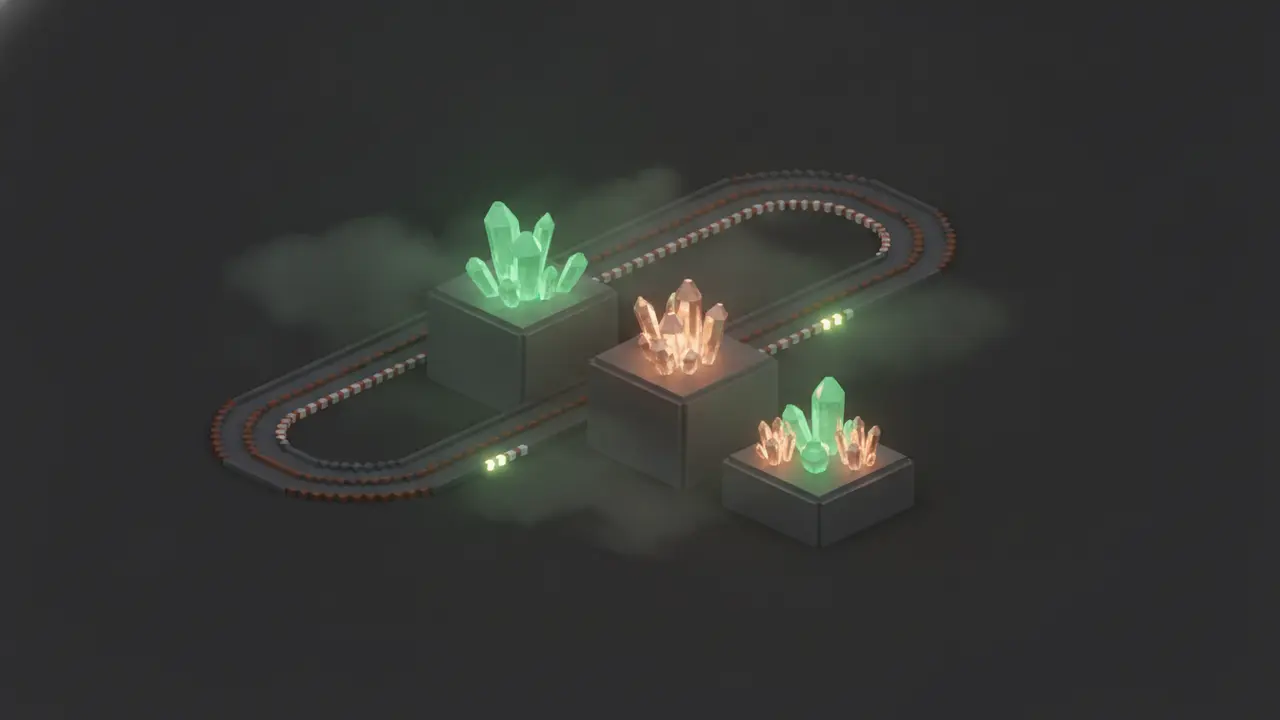
Sodium, Iris and OptiFine make Minecraft: Java Edition faster or prettier by changing parts of the Java game. Horizon takes the other road: it replaces the whole game with a program written in Rust that plays the same 26.3 worlds. So the real choice isn’t “which mod”, it’s Java Edition plus mods versus Horizon plus its own ecosystem. Each wins different things, and the published data only supports some of the comparisons people want to make.
Two approaches in one picture
Performance: what the data supports
Horizon’s performance docs list what it does differently: native code with no JVM, work spread over worker threads, terrain drawn with one indirect multi-draw per pass, culling of hidden mobs and caves, and optional distant terrain. Its modpack docs list Sodium, Lithium and FerriteCore as “not needed”, because Horizon itself is the replacement for what they optimize.
What the published benchmarks compare is Horizon against Java Edition as players get it, with the official launcher’s Java options. On a 2016 ThinkPad at render distance 12, Horizon averaged 209 FPS against 126 with 0.8 GB of memory against 2.0 GB; on a gaming desktop, 2,224 against 1,824. Conditions and the full table are in Rust vs Java.
What we can’t tell you from published data is how Horizon does against Sodium. The project’s benchmark tool can run vanilla with Sodium, Lithium, FerriteCore and ImmediatelyFast on the same machine and path, but the client results on the Benchmarks page are against plain Java Edition. Until numbers with Sodium are published, anyone claiming “Horizon beats Sodium by X%” is guessing.
On servers there is a published comparison with optimized Java: in the project’s bot test, horizon-server used 3.8 to 4.8 times less memory than vanilla, Paper and Fabric with Lithium, but Paper had the shorter average tick at every player count.
Settings and features
Sodium users will feel at home in one way: Horizon’s graphics screen replaces vanilla’s video settings with a single screen holding vanilla’s options and its own, with search and a cost label on every row. You get presets (Performance to Ultra), LOD distance, battery mode and a performance overlay. Some things OptiFine players expect are missing: no anisotropic filtering, no MSAA (FXAA instead) and no exclusive fullscreen. Practical tuning is in how to get more FPS in Horizon.
Shaders: Iris packs vs Horizon packs
Horizon reads two shader formats from the same shaderpacks folder:
- Iris/OptiFine packs (a
.zipwith ashaders/folder) load through a separate loader written from a description of the pack format. The docs say plainly that not every pack looks exactly as it does on Iris yet. - Horizon packs (
.hshader) are WGSL written for Horizon’s renderer, checked before they run, and listed in the registry. Nine exist as of 9 November 2026.
There’s history here. On 24 October 2026 Horizon removed its shader pack code after a developer of Iris showed it had been written from Iris’s source, and the project adopted a rule that its code may only be written from Minecraft 26.3 and public documentation, never from another mod, loader or renderer. The Iris-format loader is being rebuilt under that rule. So if a favourite Iris pack looks off, that’s expected for now; a Horizon-native pack is the safer bet. Our shader comparison and install guide cover the native ones.
Resource packs with OptiFine features
Plain Java resource packs work. OptiFine-era extras are supported in part, per Horizon’s published table:
| Feature | State in Horizon |
|---|---|
| Connected textures (OptiFine/Continuity CTM) | Partly: every method listed, a few rules not loaded |
| Custom item textures (OptiFine/CIT Resewn) | Partly |
Emissive textures (_e.png) |
Partly |
| Random entity textures (OptiFine/ETF) | Partly |
Custom entity models (OptiFine/EMF .jem) |
Partly |
| Pack core shaders and post effects | Text and block outline only / no |
The details are in resource packs in Horizon.
The trade-off nobody can skip: mods
This is where Java Edition wins outright today. Sodium and Iris live inside the Fabric and NeoForge world, with thousands of mods around them. In Horizon, Java mod jars don’t run at all. The launcher can carry over the data part of a Java mod (blocks, items, recipes, textures, structures), but not its code, and the docs say most popular mods today come out as Partly or Doesn’t run. Horizon’s own registry had 120 projects in its index on 8 November 2026.
Which should you pick?
- You play big modpacks. Stay on Java Edition with Sodium and friends. Horizon can’t run them.
- You play vanilla or lightly modded survival and want smooth frames on modest hardware. Horizon is worth a try; the published hitch and memory numbers are its strongest case.
- You live in Iris shader packs. Try your favourite in Horizon, but expect differences, and look at the Horizon-native packs.
- You’re curious. Both can sit on one PC: Horizon doesn’t change your normal Minecraft install and keeps its own game folder.