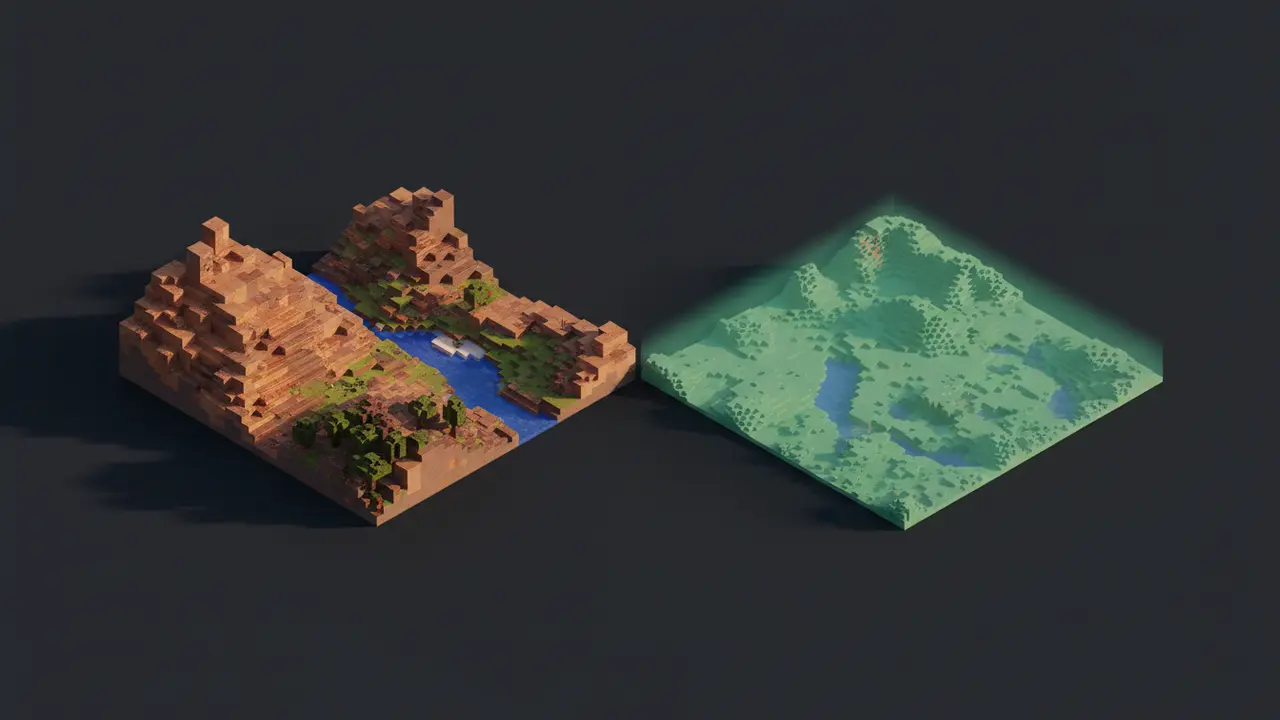
“Horizon” in Minecraft searches can mean three unrelated things. Horizon (the one this site covers) is Minecraft: Java Edition 26.3 rewritten in Rust, a whole game for Windows, macOS and Linux. Distant Horizons is a popular Java Edition mod that draws terrain far beyond your render distance at lower detail. Horizon for PE is an old Android launcher and modding kernel for Minecraft: Pocket Edition, usually mentioned alongside Inner Core. They share a word and nothing else.
The three at a glance
| Horizon (Rust) | Distant Horizons | Horizon for PE | |
|---|---|---|---|
| What it is | A new Minecraft Java 26.3 client and game logic, written in Rust | A level-of-detail mod for Java Edition | A mod loader and launcher for Pocket Edition |
| Runs on | Windows, macOS, Linux | Java Edition with a mod loader | Android |
| Edition | Java Edition 26.3 only | Java Edition | Bedrock / Pocket Edition |
| Official home | playhorizon.dev, github.com/horizon-rust/horizon | The Distant Horizons team’s project pages | Not related to either |
Searches also turn up Horion, a cheat client with a similar-looking name. That’s a fourth thing and has nothing to do with Horizon either.
Horizon: the Rust rewrite
Horizon rebuilds Java Edition 26.3 subsystem by subsystem in Rust and checks each part against the vanilla game with automated harnesses. It needs your own copy of Java Edition and a Microsoft account that owns it; it ships no Minecraft code or assets. It has its own mod format, its own shader packs and a server that runs without Java. Fabric and Forge mods, Distant Horizons included, don’t run in it as jars. Full explainer: what Horizon is.
Some players call Horizon “Minecraft Rust Edition”. The project’s FAQ points out that other projects use that name too, including a fork of Horizon, and that the original is the one at github.com/horizon-rust/horizon. If you want the real thing, get it from our download page, which links straight to those releases.
Distant Horizons: the LOD mod
Distant Horizons is a well-known Java Edition mod by James Seibel and contributors that keeps simplified versions of distant chunks and draws them past your normal render distance. On Java Edition it runs through a mod loader. Because Horizon can’t load Java jars, the original mod doesn’t run in Horizon.
Two things blur the line, which is probably why people search “Distant Horizons vs Horizon”:
- Horizon has distant terrain built in. Its LOD Distance setting (off by default) draws far terrain as simplified columns at 64 to 1024 chunks, without simulating it. The docs suggest something like 12 chunks of normal render distance with a LOD distance of 256. It’s Horizon’s own code, not Distant Horizons. Tuning tips are in how to get more FPS in Horizon.
- There is a Rust port of Distant Horizons for Horizon. The registry lists Distant Horizons for Horizon Client, an unofficial port by Deniz Şahin under LGPL-3.0, the same licence as the original. It is a native mod (the launcher compiles it into your game), it is pinned to a specific Horizon Nightly, and its page says it is not made or endorsed by the Distant Horizons team. It had 29,512 downloads on 9 November 2026, which made it one of the most-downloaded mods in the registry. Its own notes say to switch Horizon’s LOD Distance off while using it, and that it gets heavy at 256 chunks and above.
So: if you want far views in Horizon, start with the built-in LOD setting, and try the port only if you specifically want Distant Horizons’ quality presets and on-disk LOD cache.
Horizon for PE (and Inner Core)
Well before the Rust project existed, the Pocket Edition modding scene had an Android launcher called Horizon, often discussed together with Inner Core, a mod platform for Pocket Edition. We’re keeping this section short on purpose: it’s a different, older project for a different edition, and we don’t cover it. What matters for you is the difference:
- It targets Bedrock / Pocket Edition on Android. The Rust Horizon targets Java Edition on desktop computers.
- Its APKs have nothing to do with horizon-rust. The Rust Horizon has no Android build at all.
If a site offers you a “Horizon Minecraft APK” while showing screenshots of the Rust project, treat it as a fake. Our safety guide shows how to check that a download really comes from the official releases.
Quick ways to tell them apart
- Is it a whole launcher for Windows, macOS or Linux that asks you to prepare Minecraft 26.3? That’s Horizon.
- Is it a
.jaryou drop into a Fabric, Forge or NeoForge mods folder? That’s Distant Horizons (or another Java mod). - Is it an Android app for Pocket Edition? That’s the old PE launcher, unrelated.
- Is it a Horizon native mod named after Distant Horizons? That’s the community port, which runs only inside the Rust Horizon.