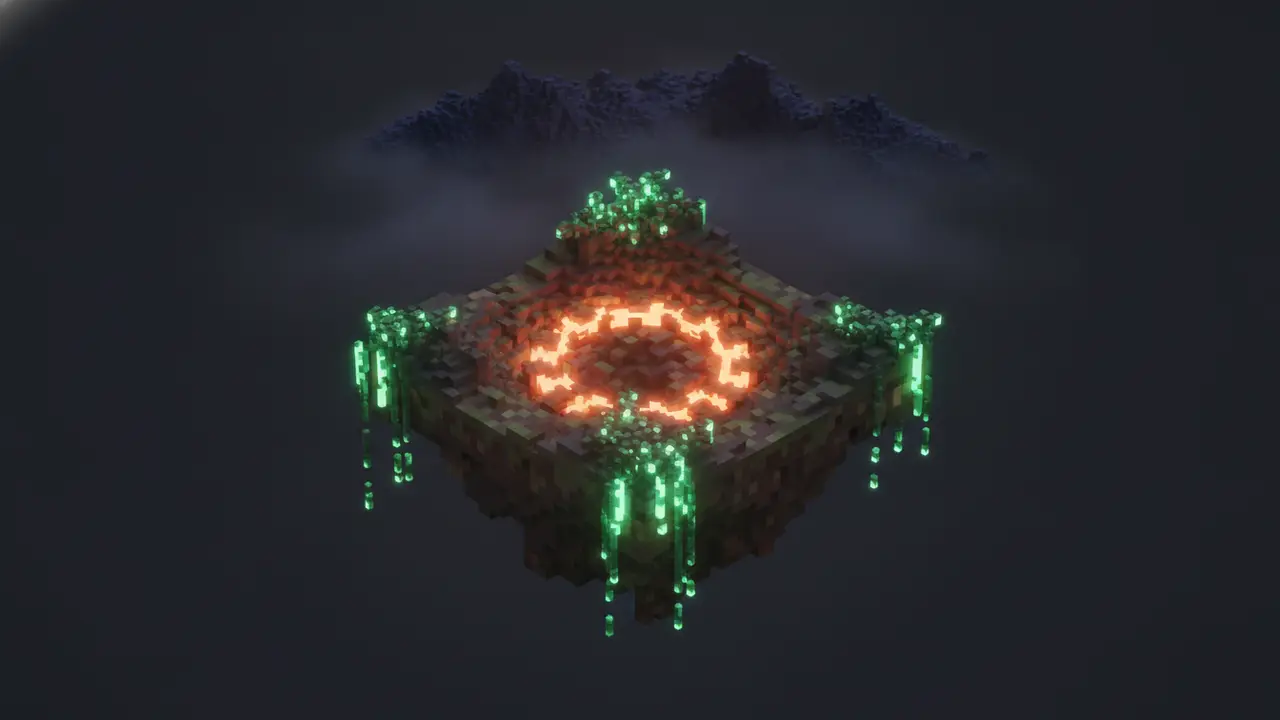
Horizon is Minecraft: Java Edition 26.3 rewritten from scratch in Rust: the client and the game logic, as a new program rather than a mod. You install it with a small launcher, it builds its game files from your own legally owned copy of Java Edition, and it is free, open source (MIT) and not affiliated with Mojang or Microsoft. Its goal is simple to state and hard to do: the same worlds, rules and terrain as vanilla, running faster on the same computer.
Horizon in one minute
- A new game, not a mod. Horizon is written in Rust and compiled for your system. It reads the same saves, plays by the same rules and generates the same terrain as Java Edition 26.3. Some players call it “Minecraft Rust Edition”; that’s a nickname, not a Mojang product.
- Checked against vanilla. Automated tests called harnesses feed the same inputs to Horizon and to the real game and compare what comes out. The project counted 281 of them when it started and 326 by 25 October 2026. Passing them doesn’t prove nothing else differs, and the docs say so. How that works is in our piece on differential harnesses.
- Light on resources. No Java virtual machine means no garbage-collection pauses and no warm-up while code compiles. The why is in Rust vs Java.
- A few extras vanilla doesn’t have. Graphics presets, distant terrain (LOD), controller support, optional dynamic lights, official mods such as Zoom and a minimap, invite codes to play your world with friends, and a dedicated server that runs without Java.
What Horizon is not
- Not Minecraft itself. Horizon contains no Minecraft code, assets or data and never downloads them. You need your own copy of Java Edition 26.3, and you sign in with the Microsoft account that owns it.
- Not a place where Java mods run. Forge, NeoForge, Fabric and Quilt jars don’t work, and neither do Mixins. Horizon has its own mod system; the launcher can carry over the data part of some Java mods. Our mod install guide explains the details.
- Not for other versions. Horizon plays 26.3 only. Worlds from 1.8 to 26.2 are upgraded the way vanilla upgrades them.
- Not official. It isn’t approved by or associated with Mojang or Microsoft.
- Not Distant Horizons. Same word, different project. If you landed here looking for the LOD mod, see Horizon vs Distant Horizons.
What works today
Single player runs a small server in the background, as vanilla does. LAN works both ways: a vanilla 26.3 client can join a Horizon LAN world and Horizon can join a vanilla one. Servers: signed in with a Microsoft account that owns Java Edition, Horizon joins online-mode servers, secure chat included. Realms doesn’t work yet; its button is greyed out.
Resource packs load as in Java Edition, with a published table of what works, partly works and doesn’t. Data packs work in part: functions and predicates yes, custom recipes and world generation from data packs not yet. Shader packs come in Horizon’s own .hshader format, and Iris/OptiFine packs load through a separate loader.
Horizon also adds its own settings to vanilla’s Options screen the way mods do: presets from Performance to Ultra, a LOD distance up to 1024 chunks, a battery mode for laptops, PlayStation, Xbox and Switch Pro controller support, and a few optional extras like fullbright and inventory sorting, all off by default so a fresh install behaves like vanilla.
Which systems it runs on
- Windows x64 or ARM64, with Vulkan or DirectX 12.
- macOS on Apple Silicon or Intel, macOS 12 or later.
- Linux x86-64 with Vulkan drivers, on a distribution at least as recent as Ubuntu 22.04.
No 32-bit builds and no ARM Linux build. The server can be compiled from source elsewhere.
Who makes it
Horizon is Ludovic Marie’s project: he decides what it does and what ships. According to the project’s own “How Horizon is built” page, most of the code is written by AI agents (Claude sessions that Ludovic runs, and contributors’ own AI tools), while some contributors write by hand. Not every line is read by a person; instead, every change goes through automated checks and the harnesses before it can ship. The home page counted 283 people with commits on 9 November 2026.
That setup explains the release pace. There is one build for everyone, the Nightly, and new versions can come out several times a day. If you wonder whether you should pin an older build, read Nightly or stable?
Do you need a license?
Yes. Horizon needs a Microsoft account that owns Minecraft: Java Edition, and the launcher plays only while such an account is signed in. After that you can also play under an offline name in your own worlds and on offline-mode servers. There’s no way around owning the game, and that’s by design: Horizon builds its files from your copy.
Does it collect data?
Only what you allow, with four separate switches that are all off by default. The one exception is an anonymous “I’m playing” ping used for the live player count; it holds a random session number, the version, your OS and whether a world is open to LAN. We explain that count in how many people play Horizon.
How to try it
Download the launcher, then follow how to install Horizon. Budget a few minutes for the one-time preparation. Once you’re in, Horizon’s own Zoom, Minimap and FPS Counter are in the mod catalog.